
For Amazon, Shopify, Etsy, eBay and social sellers
Stop regenerating the same product shot to get one usable image.
ListingsReady is a tested library of prompt workflows for product photography. Copy the exact prompt, paste it into ChatGPT image generation, and get a listing-ready image without the guesswork.
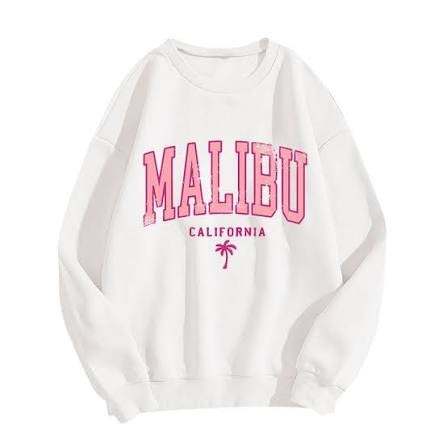
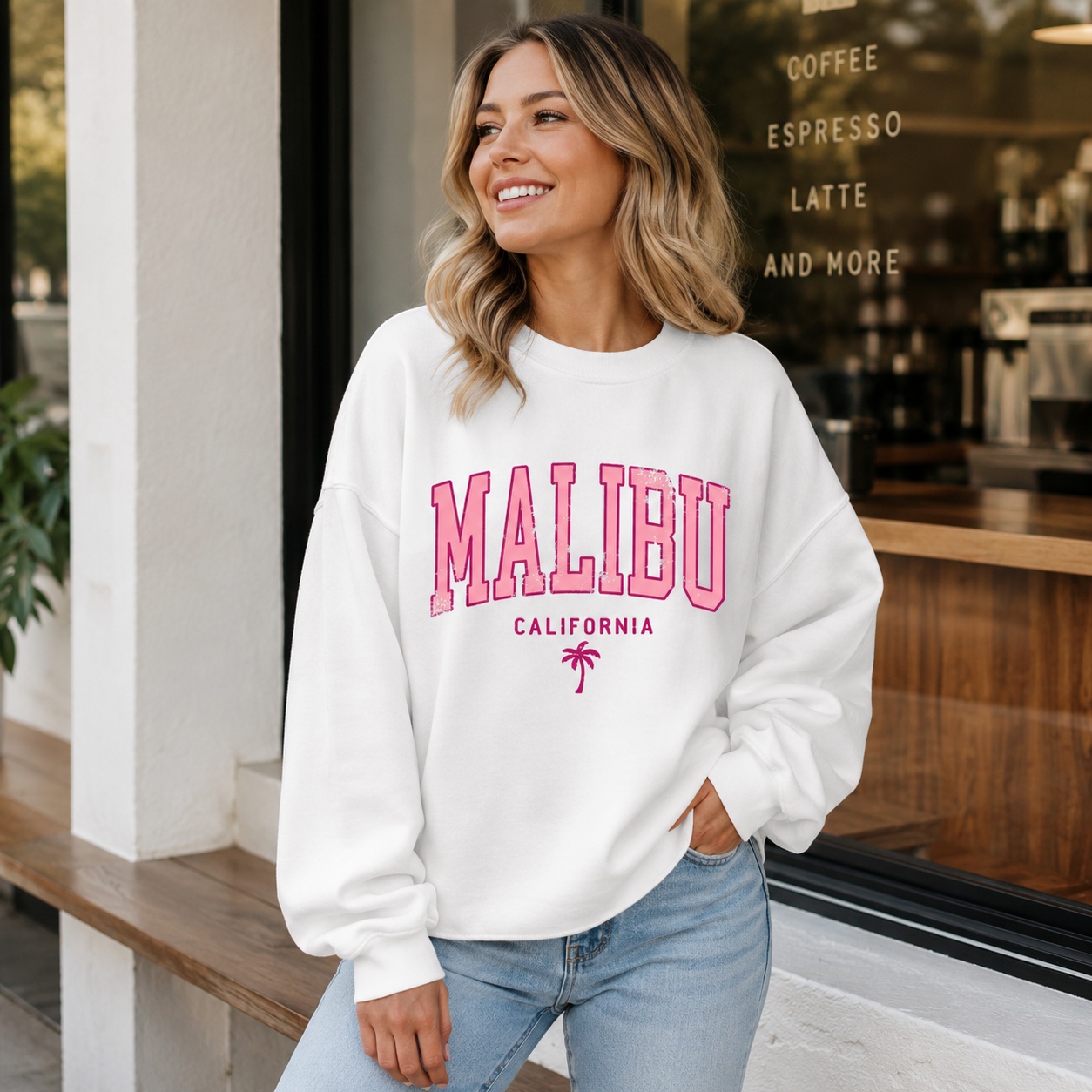
New workflows
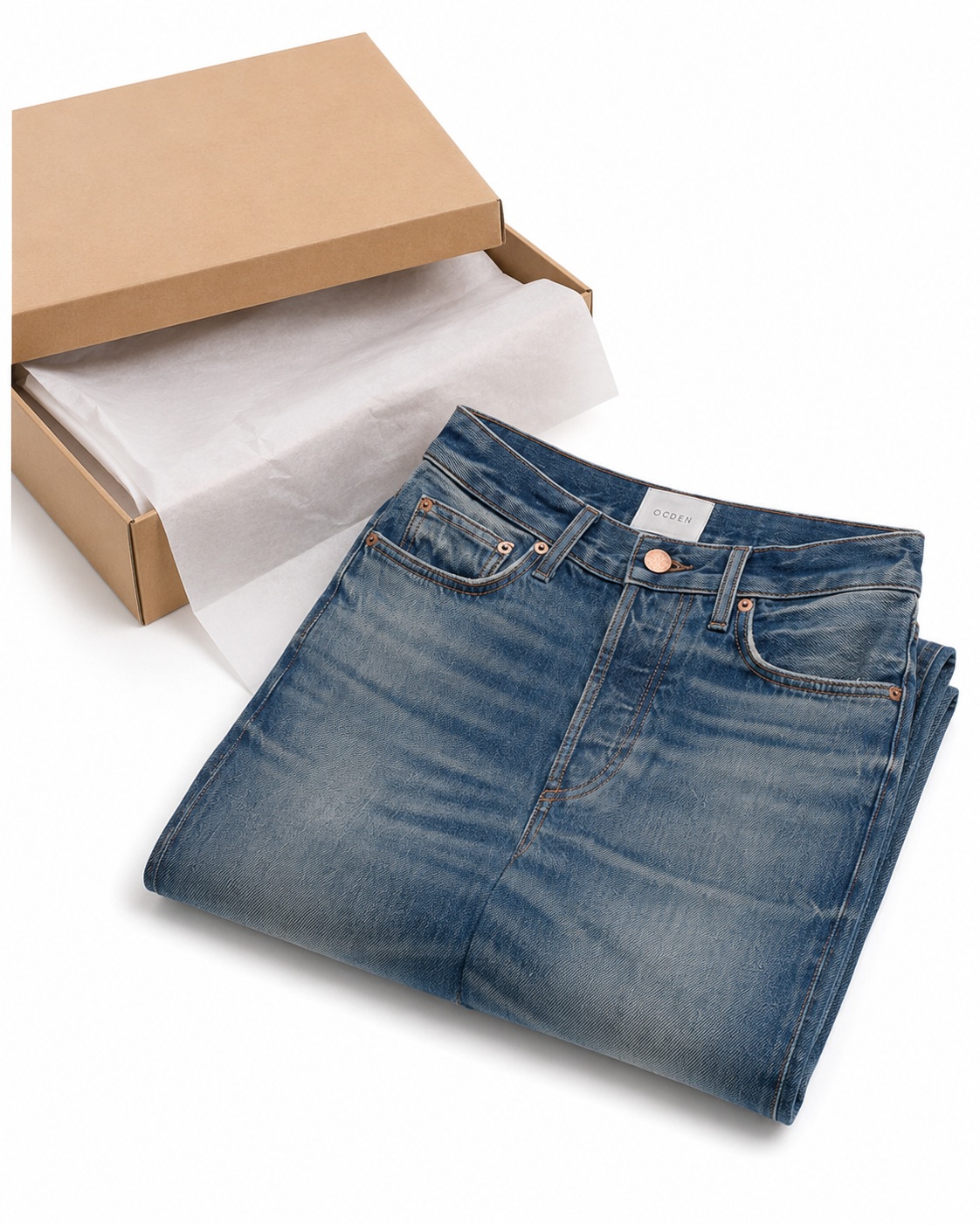
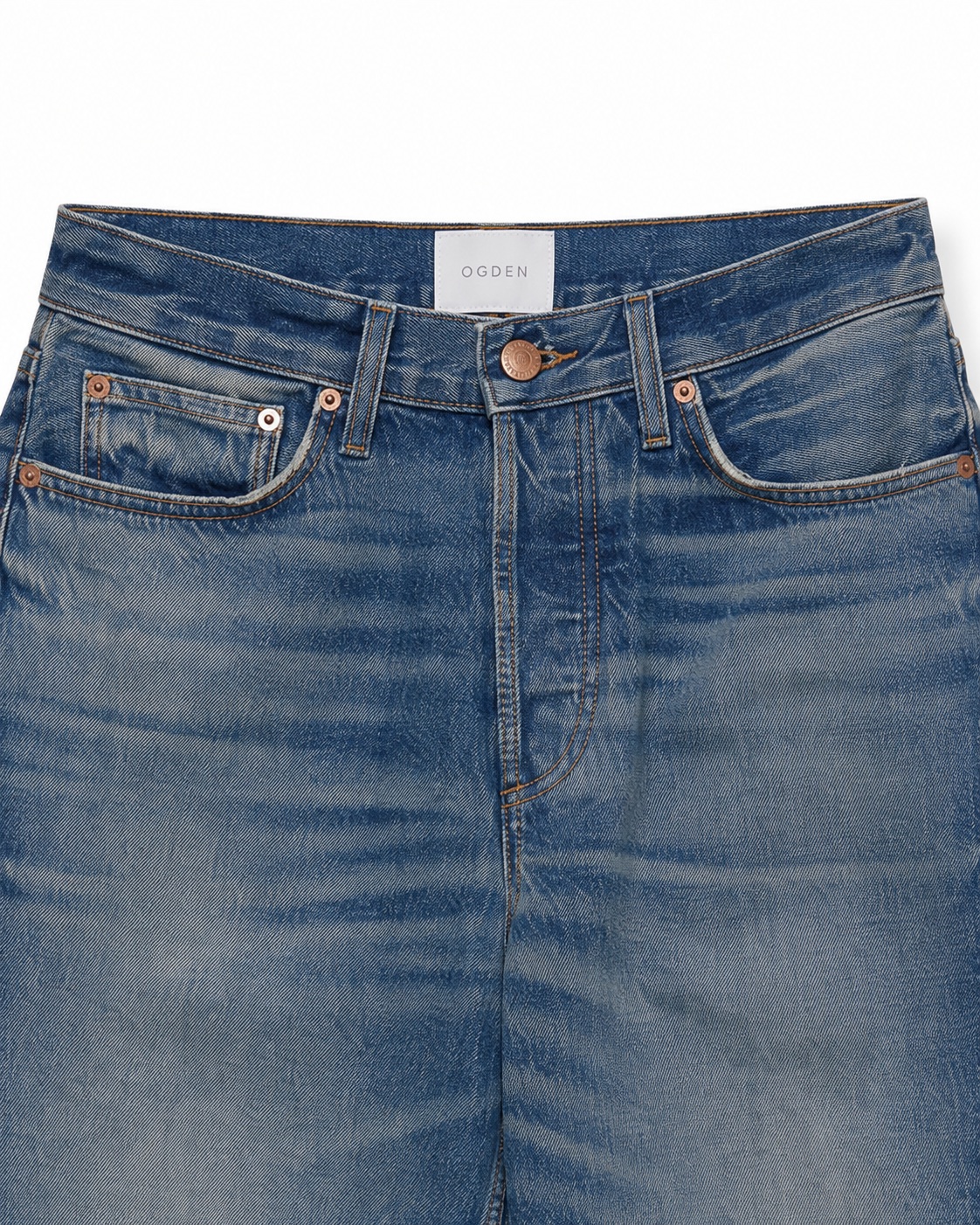
Latest jeans workflow additions
Four newly added workflows from the jeans collection. Click any card to open the full workflow.
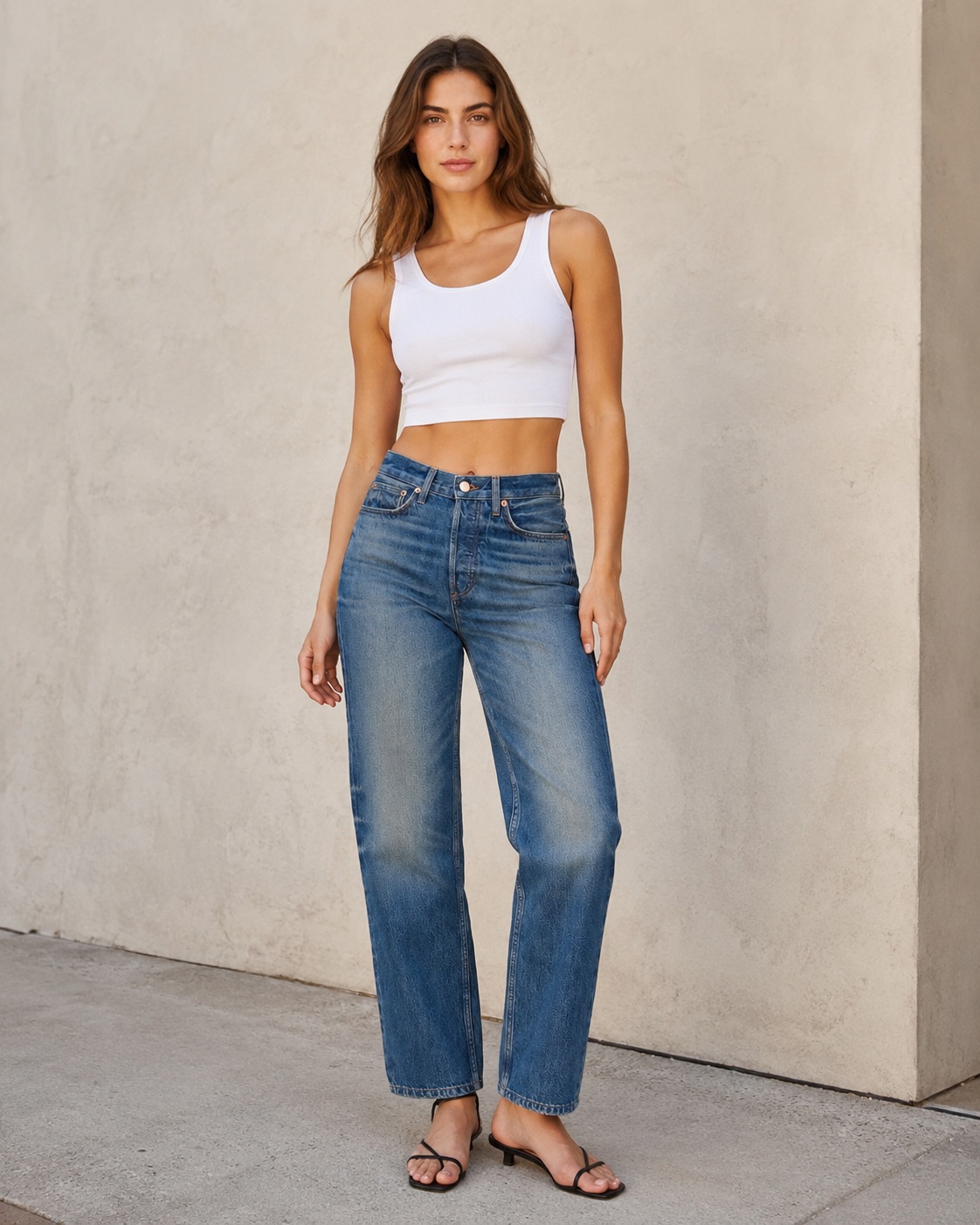
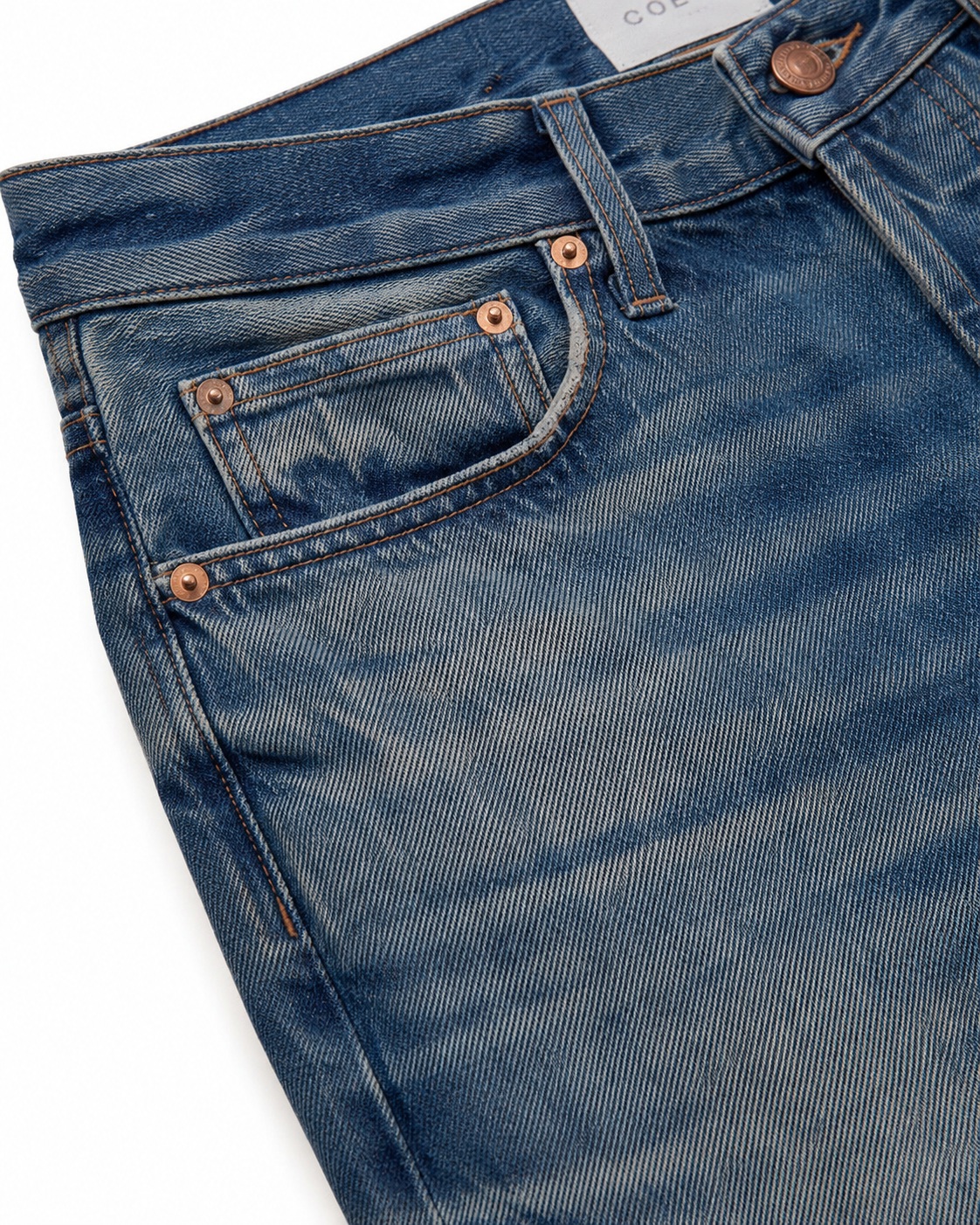
What normally goes wrong, and what a tested workflow fixes.
The same six problems come up in almost every product-photo generation. Each workflow is written specifically to prevent them.
How it works
Four steps between one product and a listing-ready image.
- 01
Choose your product type
Apparel, beauty, food, electronics, jewelry or a lifestyle scene.
- 02
Pick the channel you're shooting for
Amazon main, Shopify PDP, Etsy hero, eBay listing, or social.
- 03
Copy the matched prompt workflow
One complete, tested prompt — with the fields you need to fill in marked.
- 04
Paste into ChatGPT image generation
Use the model and settings shown inside the workflow. If something looks off, apply the included fix prompt.
Workflow categories
Every workflow is written for a specific product type and a specific channel.
Apparel
T-shirts, hoodies, accessories
Beauty & skincare
Bottles, tubes, jars
Home & kitchen
Small goods on white
Food & beverage
Packaged product shots
Electronics
Devices and accessories
Jewelry
Rings, necklaces, macro
Lifestyle scenes
In-use social shots
Model on white
Apparel on figure
From the founder
I built ListingsReady after burning through generation credits trying to swap a product background without the garment color drifting. If you sell online and you're tired of the same problem, these are the exact prompts that worked for me — tested ahead of time so you don't have to find them yourself.
— The ListingsReady team
Start with a workflow, ship a listing.
Copy the prompt. Paste it. Move on.