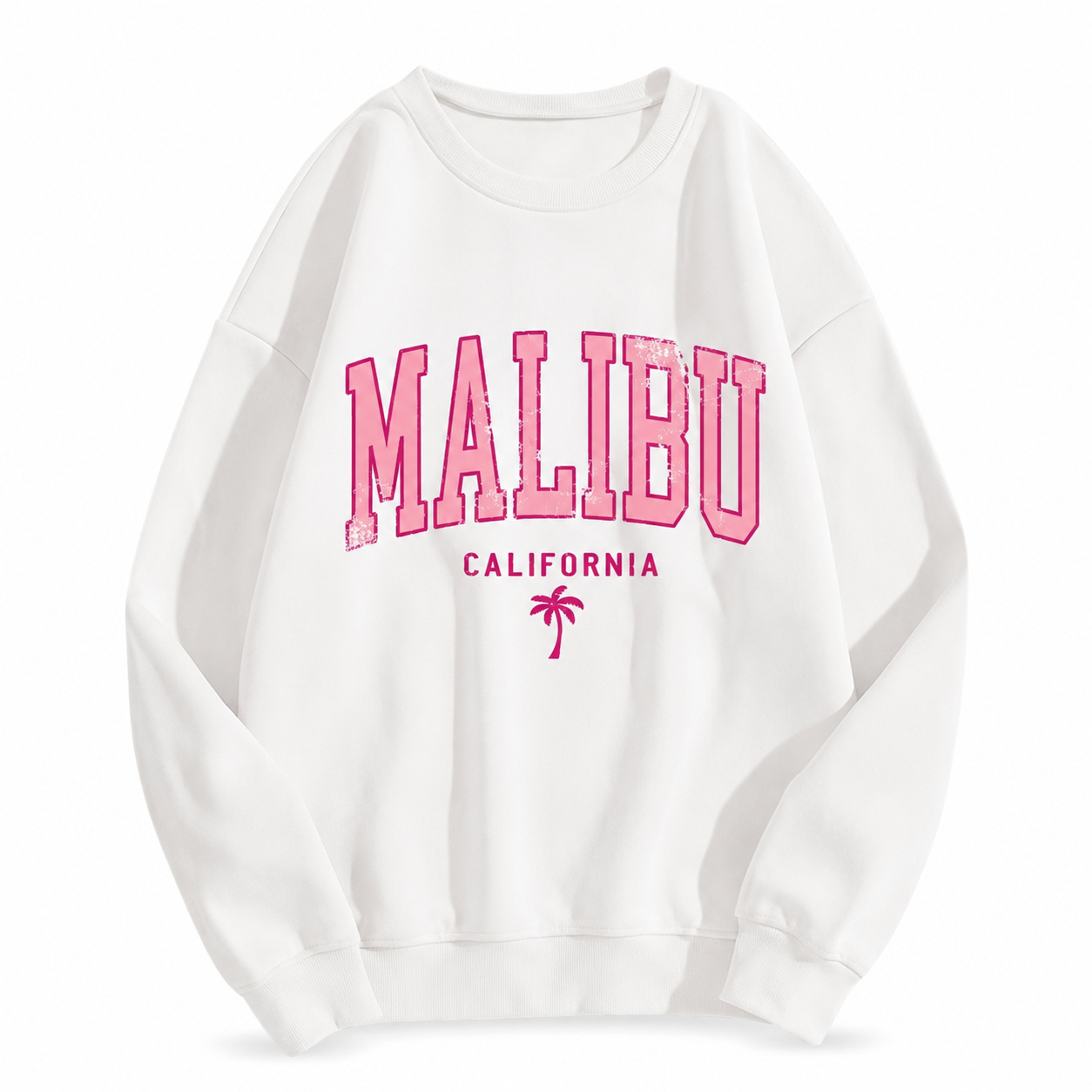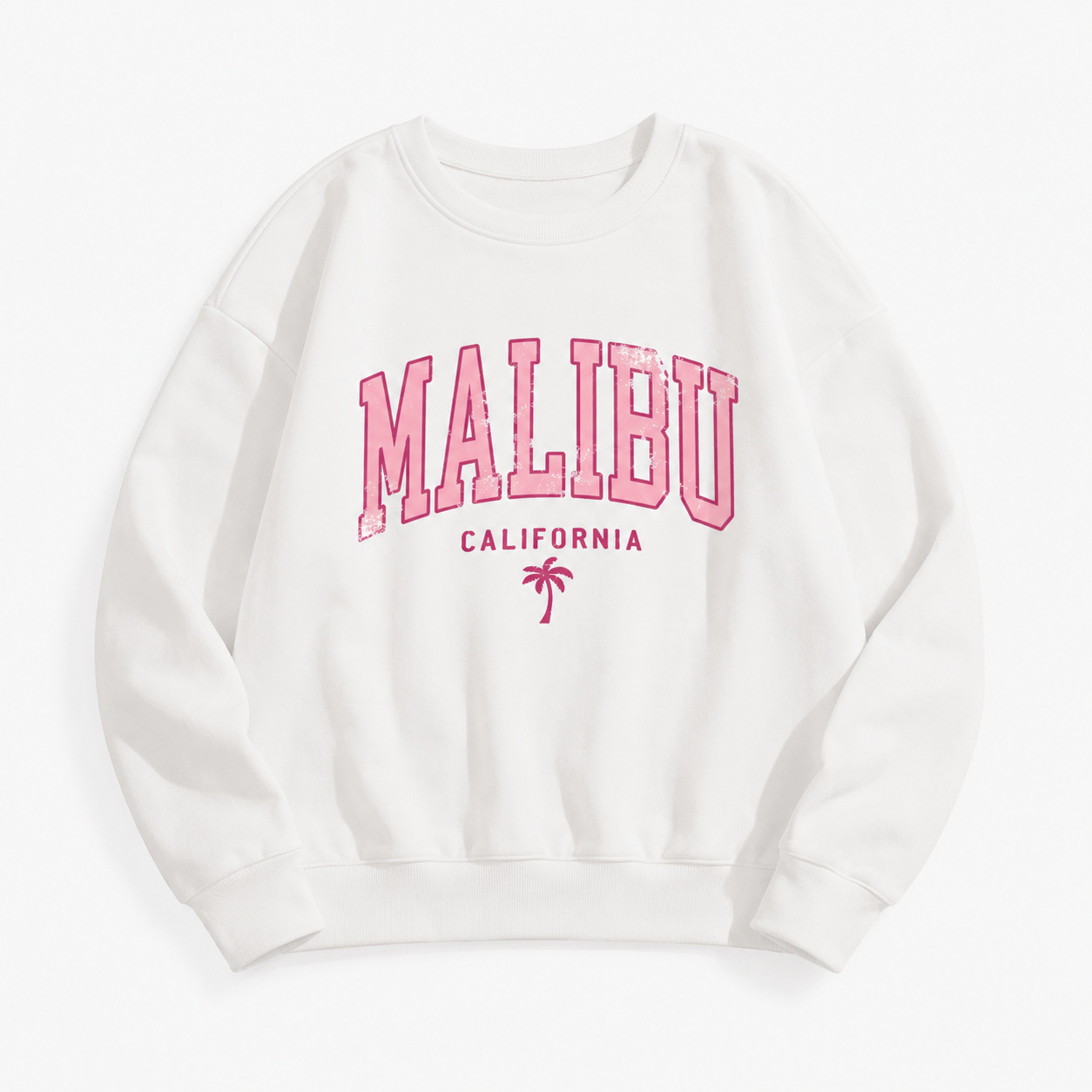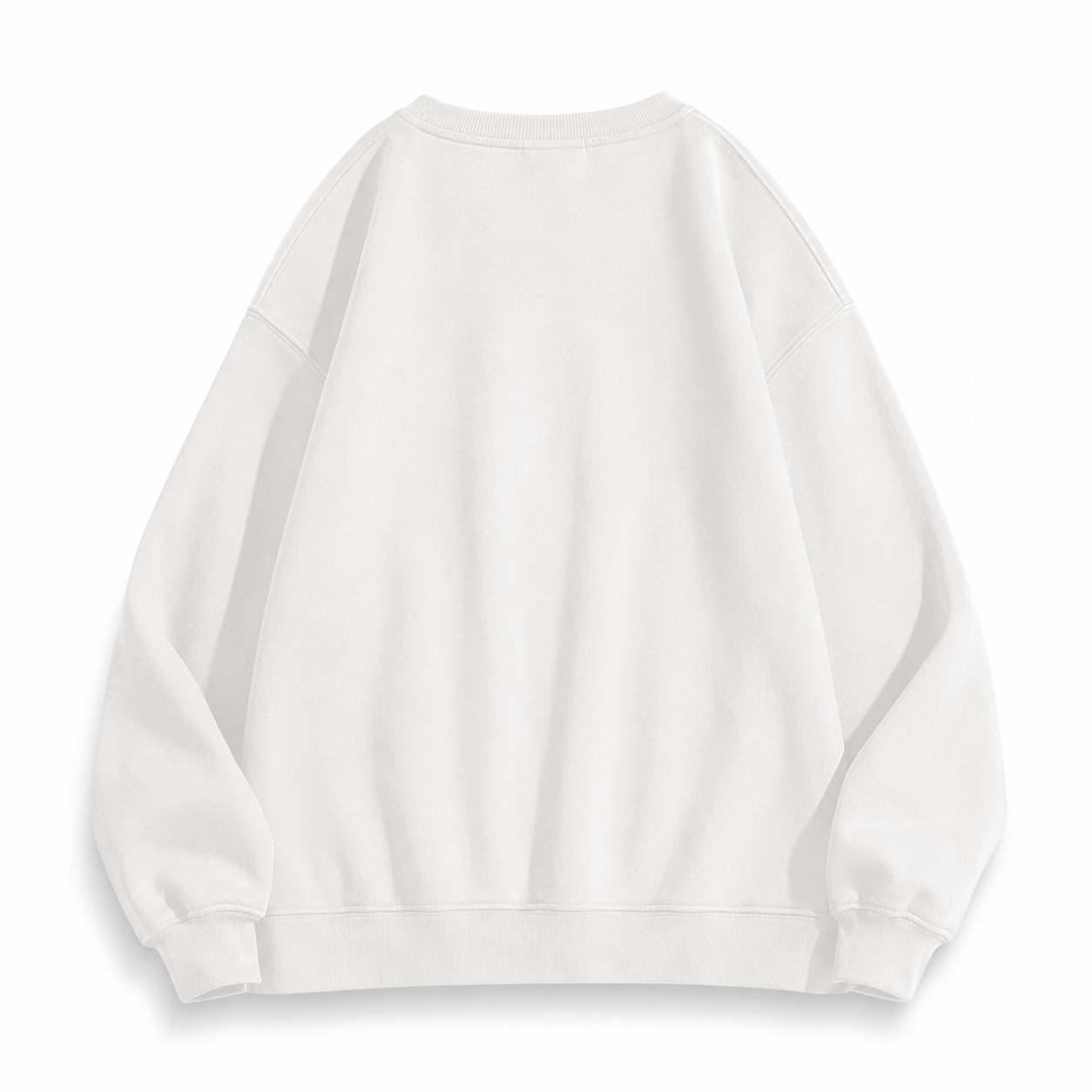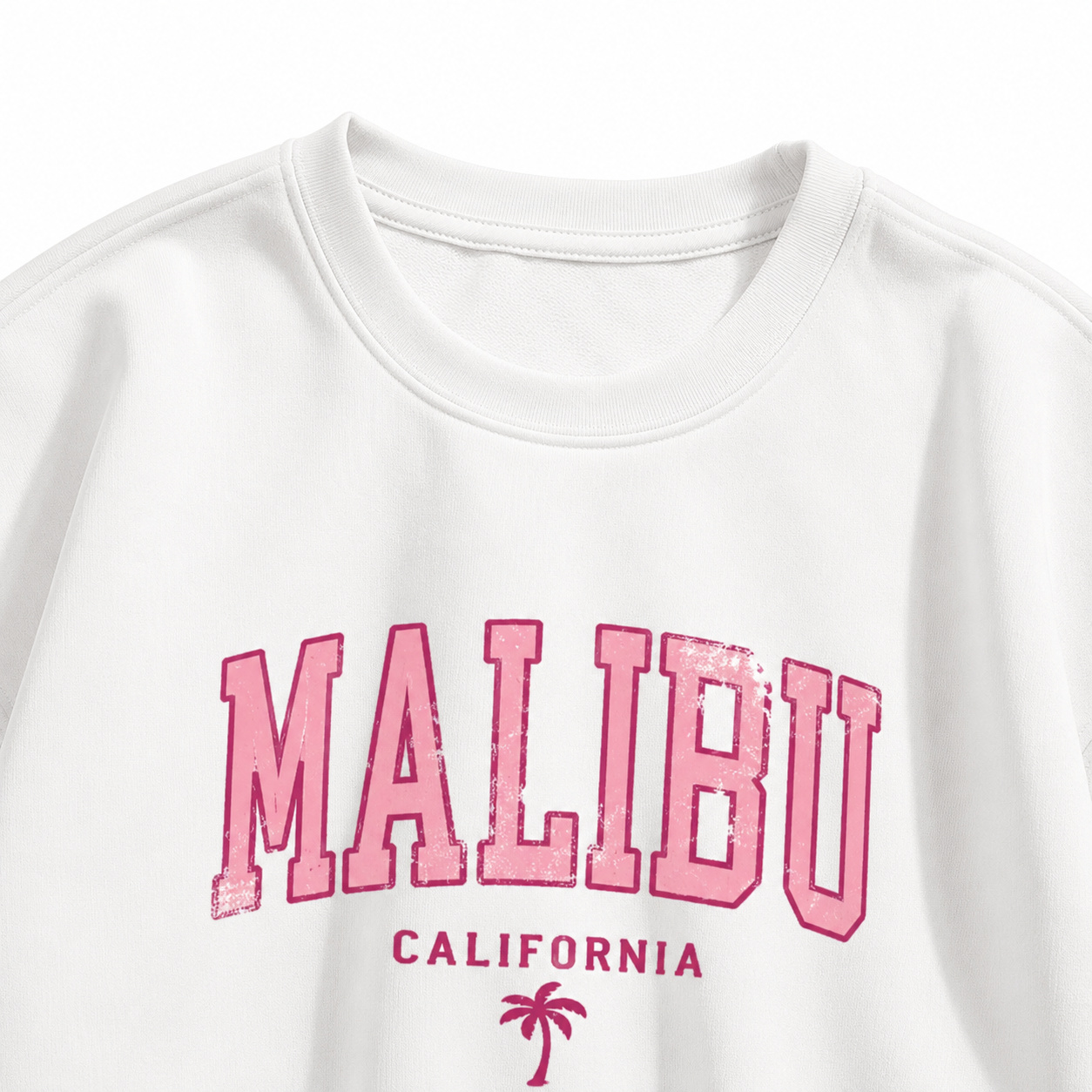
Lifestyle Model Image - Hoodie / Sweatshirt
Copy the complete prompt, upload your product photo, and use the fix prompts only when the AI changes the product.
About this Workflow
- Transforms an ordinary hoodie or sweatshirt photo into a professional lifestyle image showing the exact garment naturally worn by a realistic model while preserving the original colour, print, hood, drawstrings, cuffs, stitching, fabric texture and proportions.
- Amazon sellers, Shopify stores, streetwear brands, print-on-demand businesses and marketplace agencies.
- One clear original photo showing the complete hoodie or sweatshirt, preferably from the front with all important design details visible.
- A realistic e-commerce lifestyle image with a natural model pose, believable fit, clean commercial lighting and the hoodie or sweatshirt remaining the clear focus.
Original photo vs ListingsReady result
Compare the uploaded product reference with the image created using this workflow.

Original product photo
Uploaded reference
ListingsReady result
Click the image to zoom.
Complete Prompt
Using the uploaded hoodie or sweatshirt image as the only product reference, create a realistic Amazon secondary lifestyle image showing the exact hoodie/sweatshirt worn by a natural-looking model. Preserve the product 100% exactly, including hood shape, drawstrings, collar/neck opening, sleeves, cuffs, waistband, pocket, stitching, fabric texture, folds, print, logo, artwork, and colours. The hoodie/sweatshirt should fit naturally on the model without stretching, shrinking, or changing structure. Show the model in a clean casual lifestyle setting such as walking outdoors, standing in a minimal studio, relaxing at a cafe, or wearing the hoodie in an everyday streetwear look. The product must remain the hero and the front design must be clearly visible. No accessories should cover the hoodie/sweatshirt. Use realistic commercial lighting and high-resolution e-commerce photography.
Best AI to Use
ChatGPT Images
Original Image Required
Your own uploaded product photo — this is the only reference used.
Settings in ChatGPT
- Model
- GPT-5.5
- Intelligence
- High
- Mode
- Create an Image
Workflow Testing
- Last tested
- July 2026
- Tested with
- GPT-5.5
- Workflow version
- 1.0
- Typical result
- 1–2 generations
Common Mistakes
- Hoodie becomes a different style
- Hood shape changes
- Drawstrings disappear
- Pocket changes or disappears
- Print/logo becomes distorted
- Model pose hides the front design
- Hoodie fit becomes too tight or oversized
- Fabric colour shifts
- Sleeves or cuffs change
- Scene becomes too editorial or distracting
Fix Prompts
If the hoodie changes
Keep the uploaded hoodie/sweatshirt identical. Only adjust the model, pose, or background.
If the hood changes
Restore the original hood size, shape, folds, and position.
If drawstrings disappear
Add back the original drawstrings exactly as shown in the uploaded reference.
If pocket changes
Preserve the original pocket shape, size, stitching, and placement.
If the print/logo changes
Keep the artwork, logo, colour, scale, and placement exactly identical to the reference.
If the product is hidden
Use a simple front-facing or slight-angle pose where the full hoodie front remains visible.
If fit looks wrong
Make the hoodie/sweatshirt fit naturally without changing its original structure or proportions.
If the scene distracts from the product
Simplify the background and make the hoodie/sweatshirt the clear visual focus.
Related Workflows
Explore more image workflows for the same product type.