Set / Dupatta / Bottom Wear Presentation
Copy the complete prompt, upload your product photo, and use the fix prompts only when the AI changes the product.
About this Workflow
- Transforms an ordinary kurti or ethnic-wear garment photo into a professional set / dupatta / bottom wear presentation while preserving the original colour, print or embroidery, neckline, sleeves, side slits, hemline, fabric texture and proportions.
- Amazon sellers, Shopify stores, ethnic-wear brands, boutiques and marketplace agencies.
- One clear original photo showing the complete kurti or ethnic-wear garment and all important product details required for the workflow.
- A clean, realistic e-commerce image that clearly communicates the purpose of the workflow while keeping the kurti or ethnic-wear garment accurate and visually consistent.
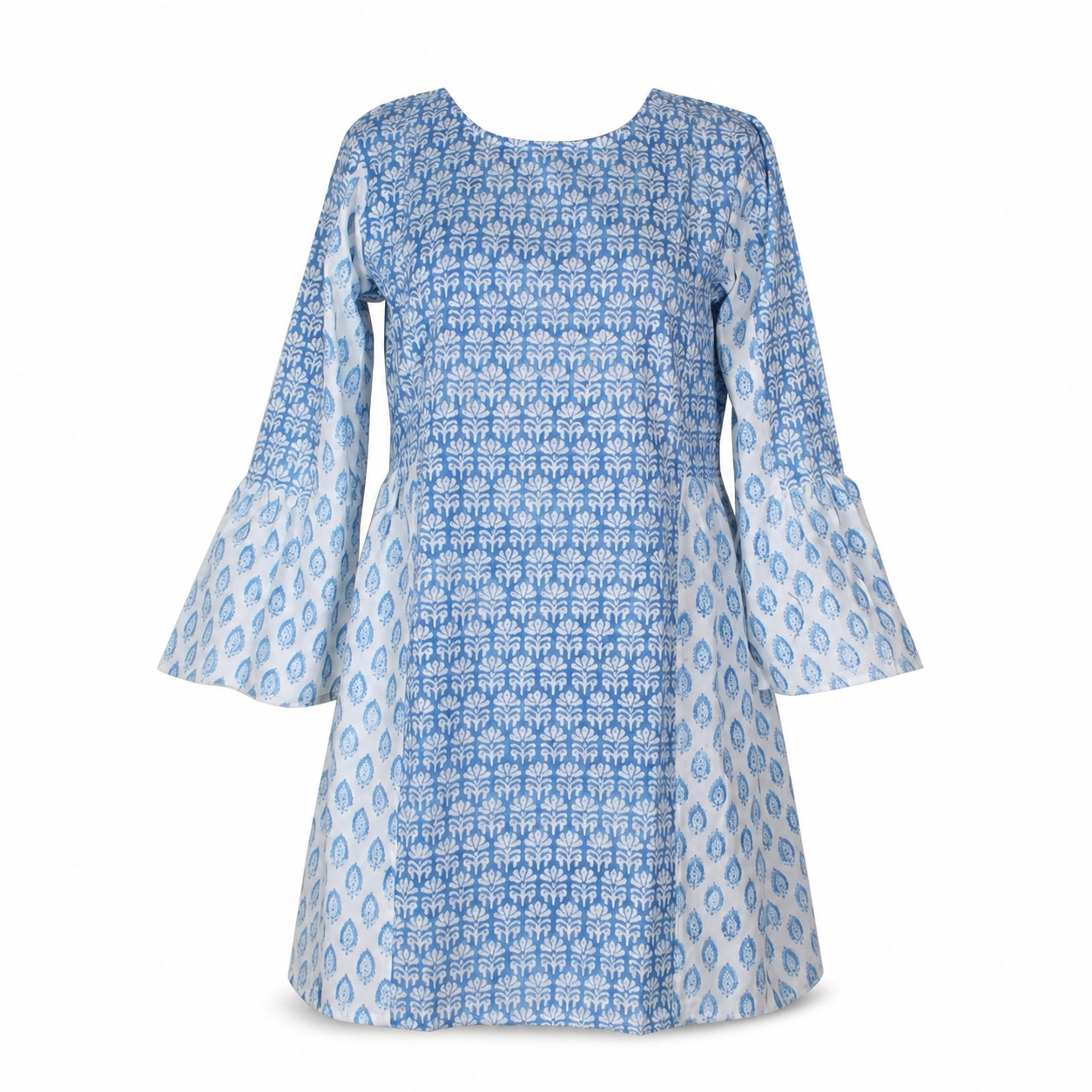
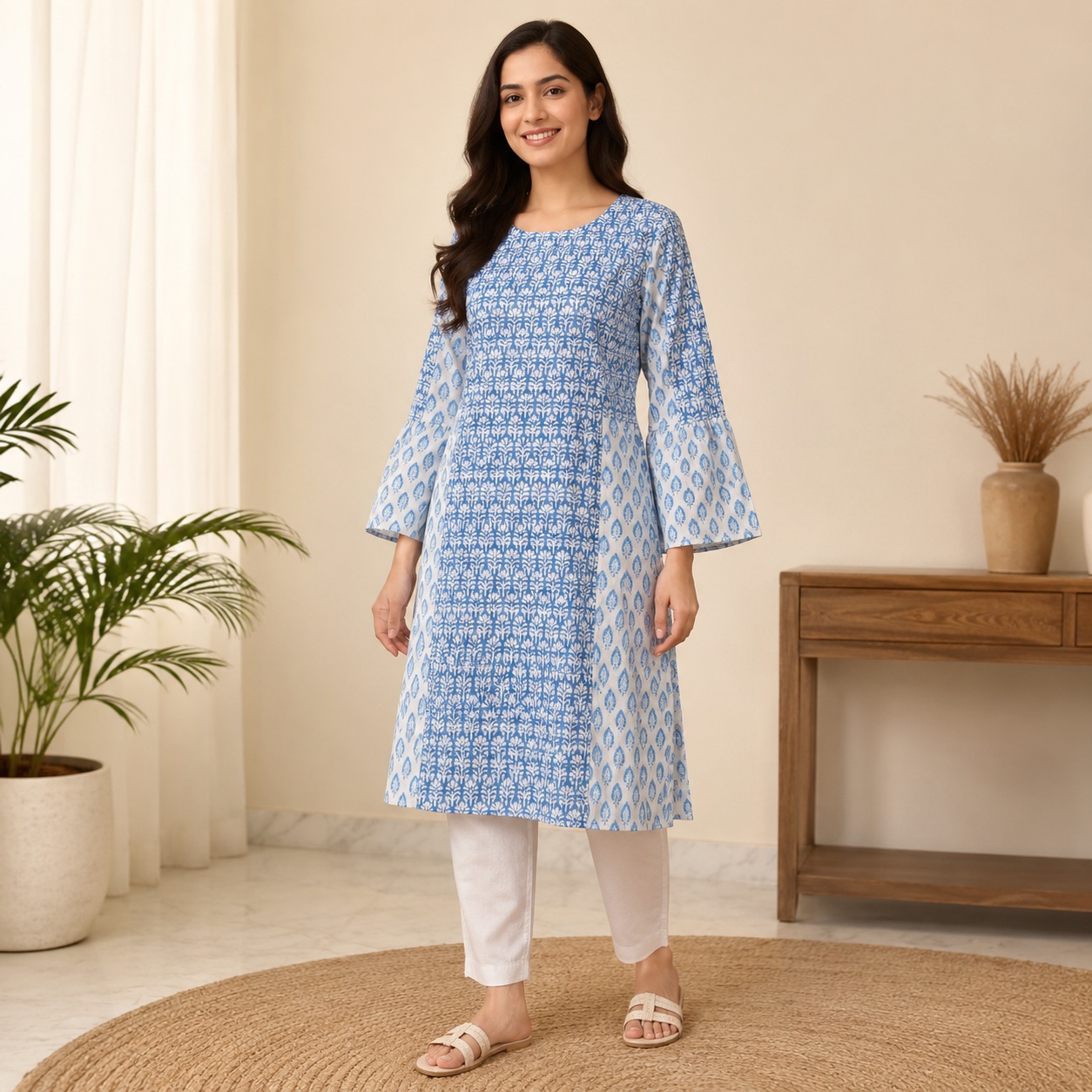
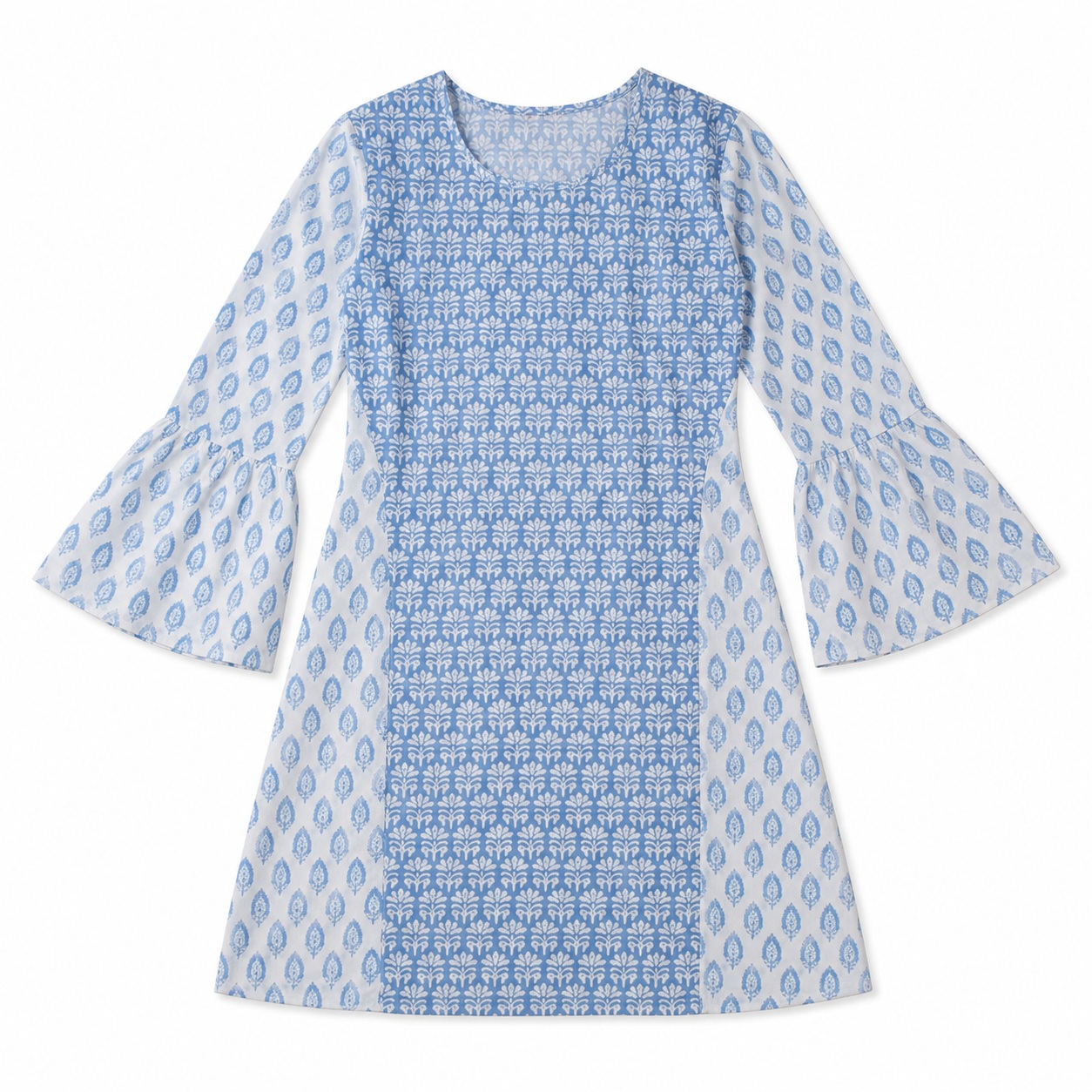
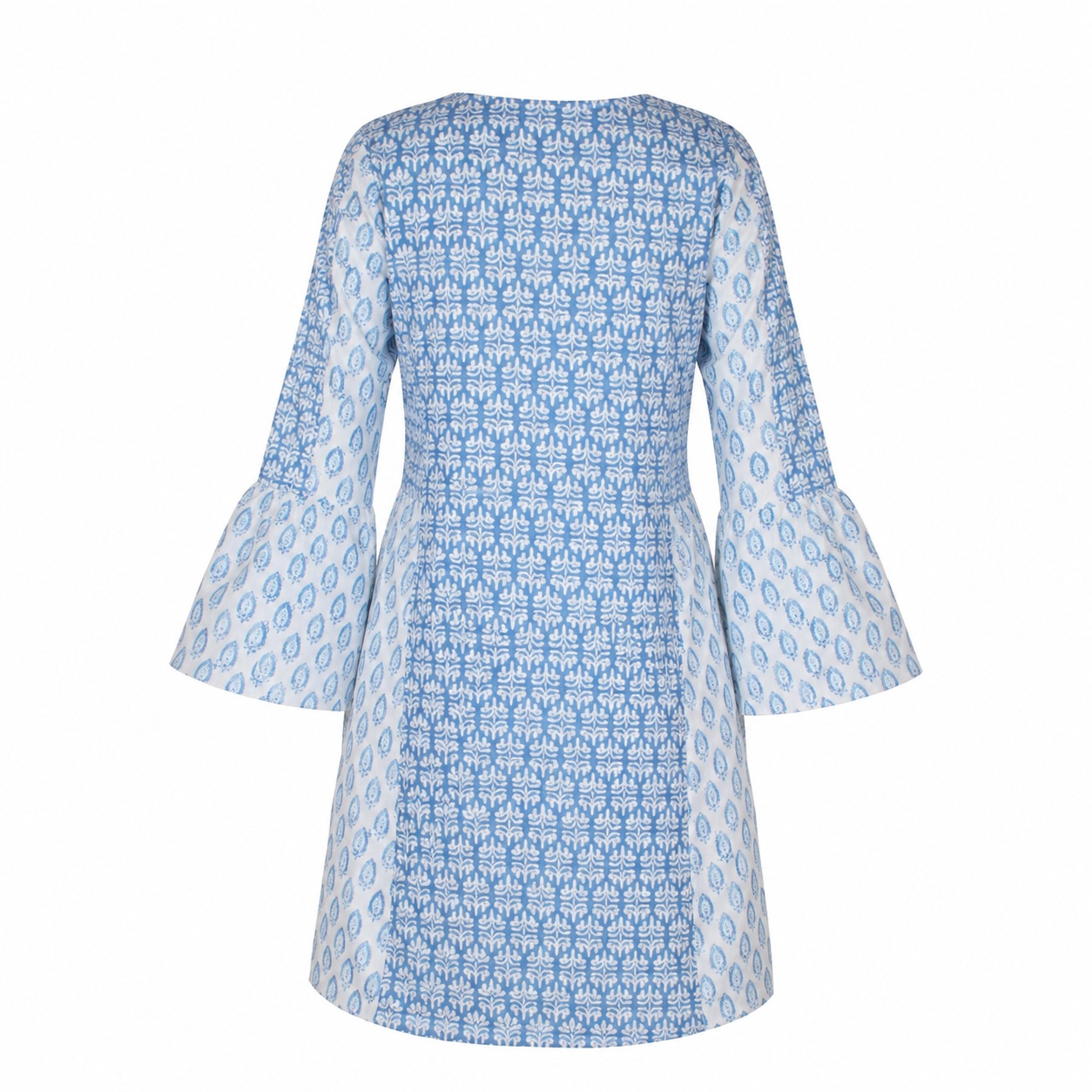
Original photo vs ListingsReady result
Compare the uploaded product reference with the image created using this workflow.

Original product photo
Uploaded reference
ListingsReady result
Click the image to zoom.
Complete Prompt
Using the uploaded kurti or ethnic wear image as the only product reference, create a clean Amazon secondary image showing the exact garment as a set presentation only if matching pieces are provided or visible in the uploaded reference. Preserve the main garment exactly, including silhouette, neckline, sleeves, side slits, hemline, fabric texture, print, pattern, embroidery, border design, colours, and proportions. If the product includes matching bottom wear, dupatta, scarf, belt, or accessory pieces, show them neatly arranged beside the main garment without covering important details. If no matching pieces are provided, do not invent them; instead create a clean placeholder-style layout showing only the main garment with space for "set contents" to be added manually. Use a white or light neutral background with premium e-commerce styling. High-resolution product photography.
Best AI to Use
ChatGPT Images
Original Image Required
Your own uploaded product photo — this is the only reference used.
Settings in ChatGPT
- Model
- GPT-5.5
- Intelligence
- High
- Mode
- Create an Image
Workflow Testing
- Last tested
- July 2026
- Tested with
- GPT-5.5
- Workflow version
- 1.0
- Typical result
- 1–2 generations
Common Mistakes
- AI invents a dupatta or bottom wear
- Main garment changes
- Matching pieces have different pattern or colour
- Set pieces cover the kurti
- Embroidery or border changes
- Product looks like a different outfit
- Layout becomes cluttered
- AI adds fake accessories
- Fabric colour shifts
- Seller's actual set contents are misrepresented
Fix Prompts
If AI invents extra pieces
Do not create a dupatta, bottom wear, scarf, belt, or accessories unless they are provided in the uploaded reference or seller materials.
If main garment changes
Keep the uploaded kurti/ethnic garment completely identical.
If matching pieces look inconsistent
Make all provided set pieces match the original product's colour, fabric, border, print, and embroidery style.
If pieces cover the product
Arrange set pieces beside the main garment without covering the neckline, embroidery, print, sleeves, or hem.
If embroidery or border changes
Preserve the original embroidery, border design, motif placement, and colours exactly.
If layout is cluttered
Use a clean organized set presentation with enough spacing.
If product is misrepresented
Show only the actual product contents provided by the seller. Do not imply included items that are not included.
Related Workflows
Explore more image workflows for the same product type.